Step 1. Open the sign-in page
Click the "Sign in" button in the site header. The single "Sign in or sign up" screen opens — it is used both for signing in and for registration.
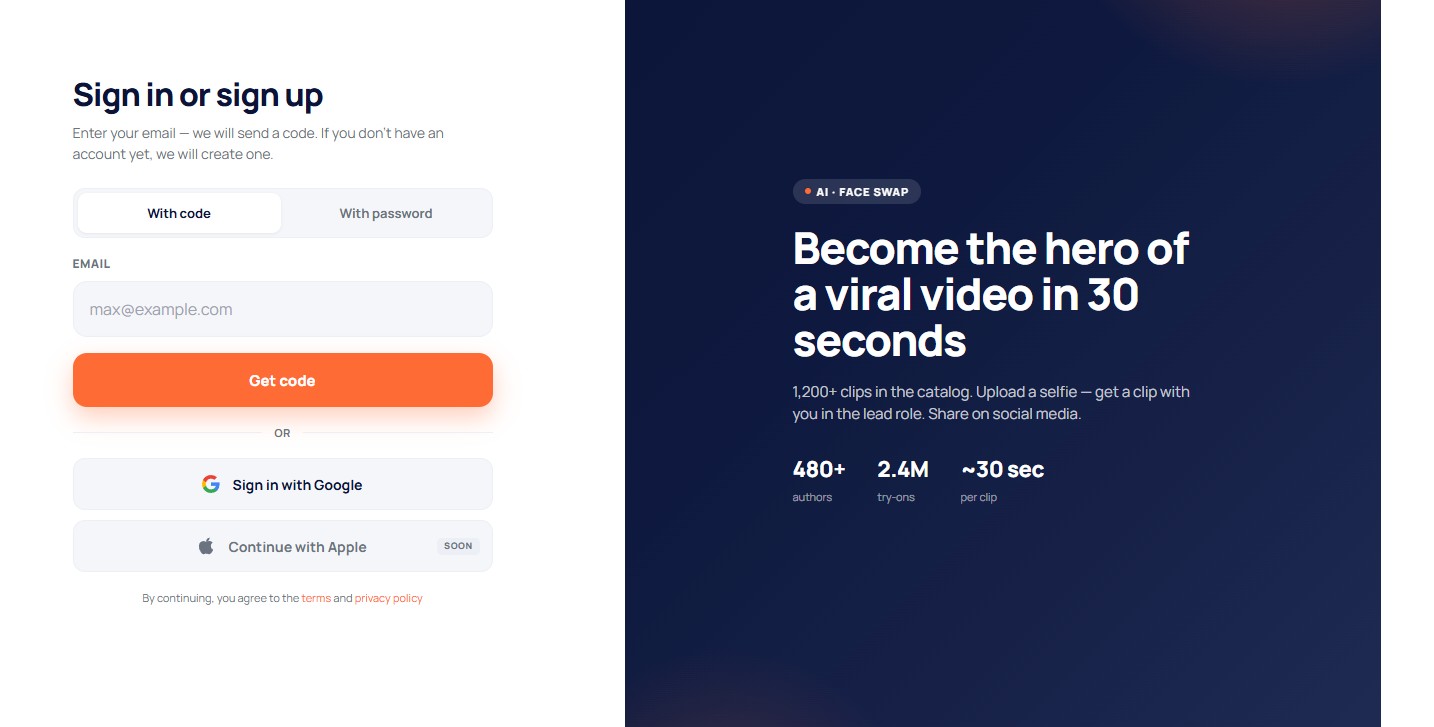
Step 2. Enter your email and get a code
Type your email and click "Get code". You will receive an email with a 4-digit code (a one-time email code). The code is valid for 5 minutes; you can request a new one after a minute.
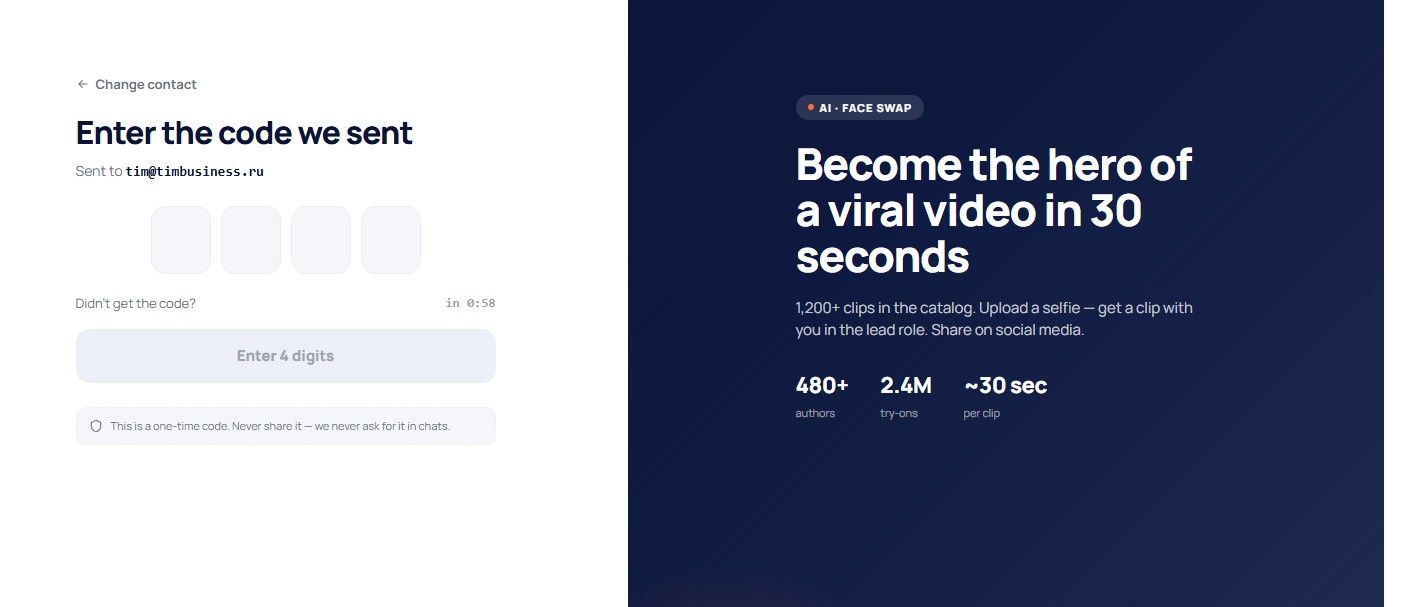
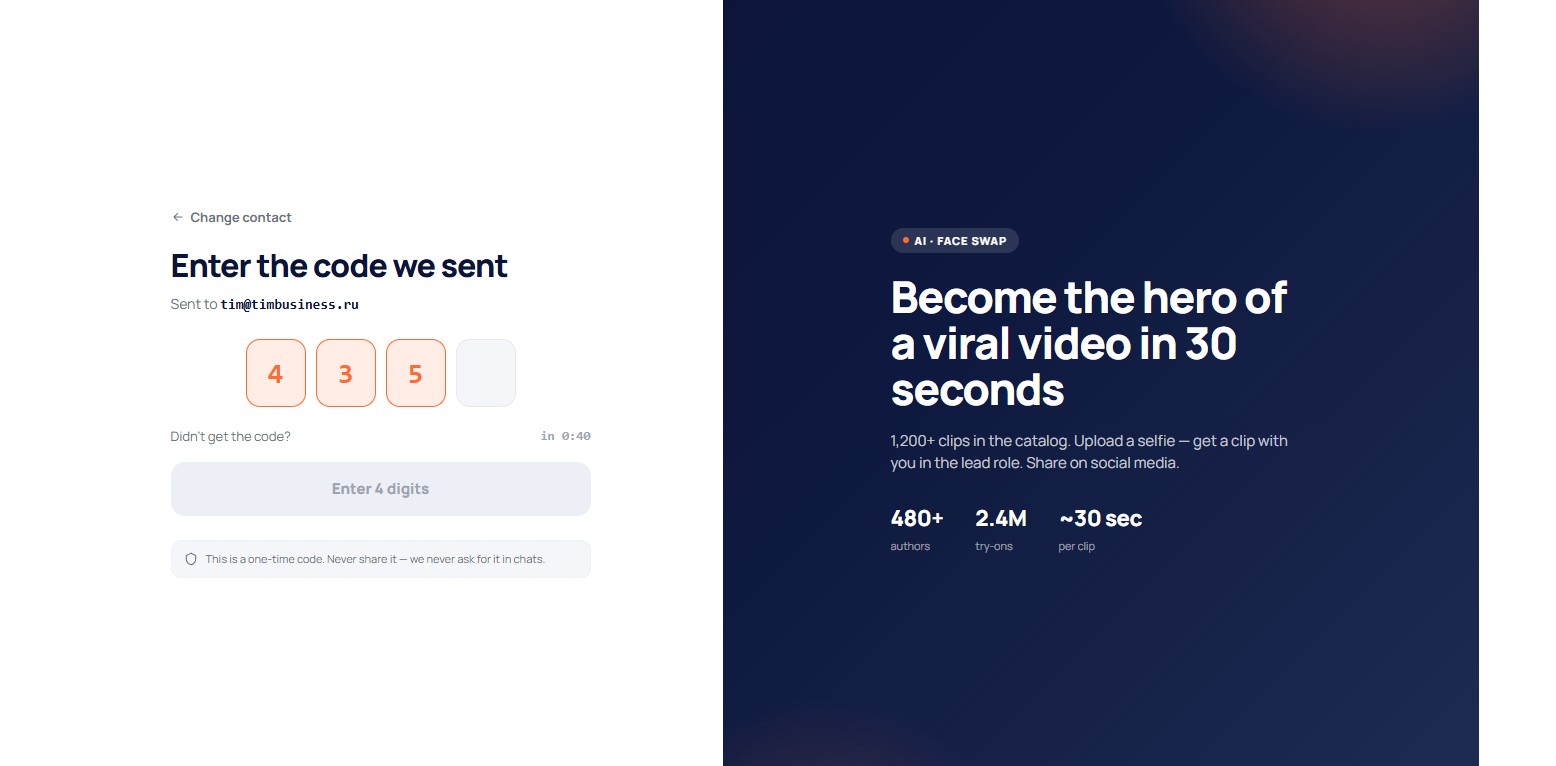
Step 3. Enter the code from the email
Type the 4 digits from the email into the boxes on the screen. If no account exists for that email yet, it is created automatically right now.
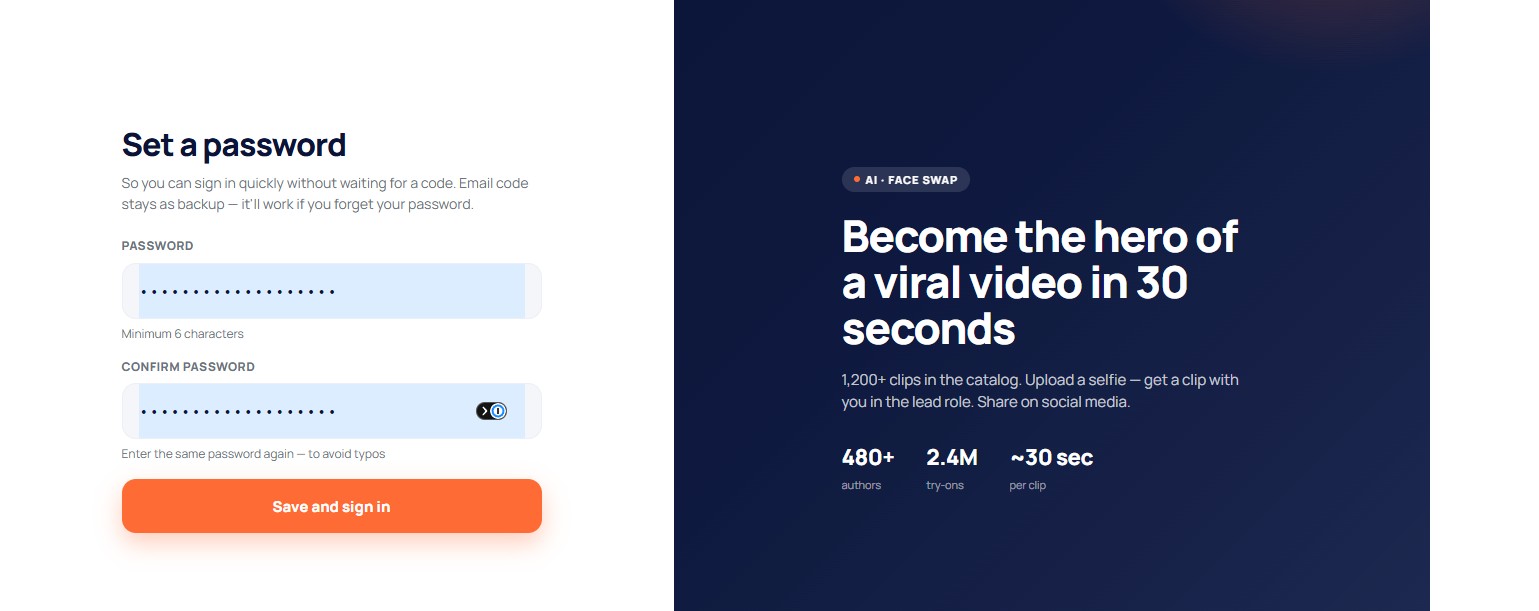
Step 4. Create a password
On your first registration the system will ask you to set a password (at least 6 characters) and repeat it to avoid a typo. The password lets you sign in quickly later without waiting for a code. The email code stays as a backup — it will help if you forget your password. This step is mandatory and cannot be skipped.
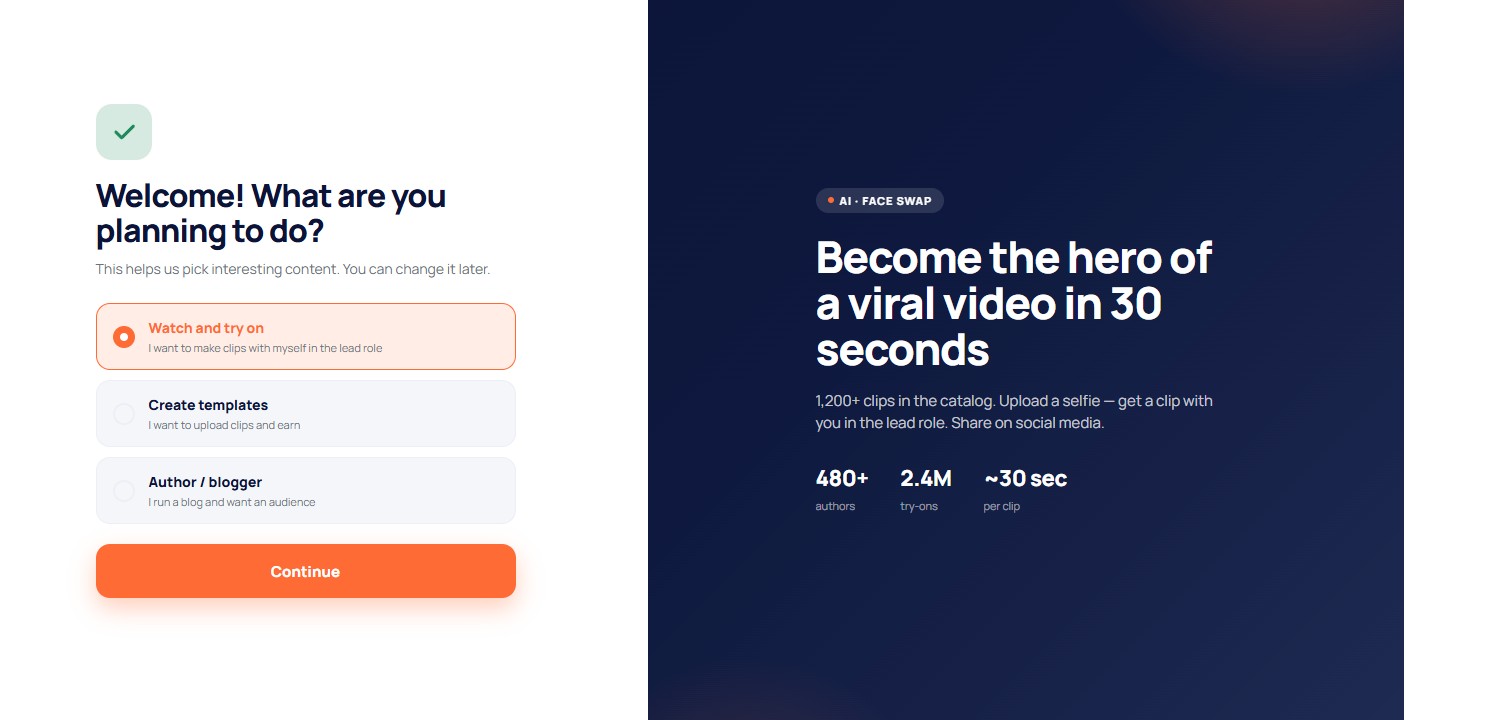
Step 5. Choose what you plan to do
After the password a welcome screen appears with a choice: watch and try on clips, create templates, or run a blog. You can change this later in settings. After that you land on the home page — registration is complete.
Signing up with Google
Instead of email and code you can sign up in one click — the "Sign in with Google" button on the same page. Sign-in with Apple will come later (marked "Soon").
If you sign up with Google, you do not need to set a password: Google has already verified your email. You can add a password later in your account if you also want to sign in with one.