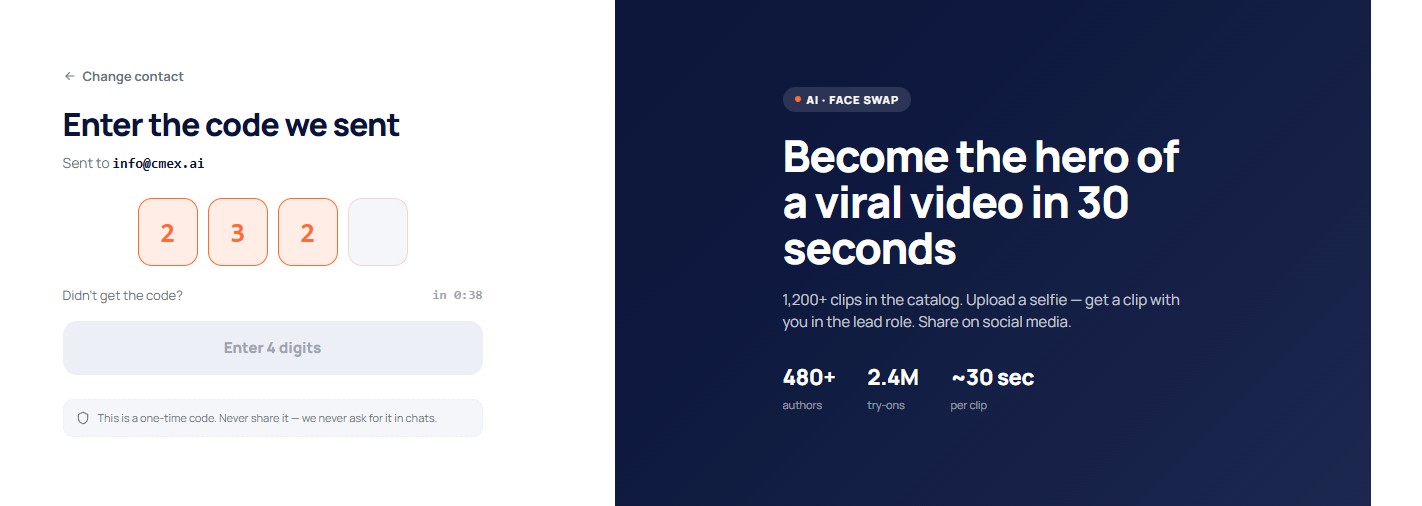
Option 1. Sign in with a code
On the sign-in page choose the "Sign in with code" tab (open by default), enter your email and click "Get code". Type the 4 digits from the email — and you are in. This method always works, even if you do not remember your password.
Option 2. Sign in with a password
Choose the "Sign in with password" tab, enter your email and password, and click "Sign in". This option is available if a password has already been set — during registration or later in settings. If you have not set a password yet, sign in with a code: the system will offer to set one.
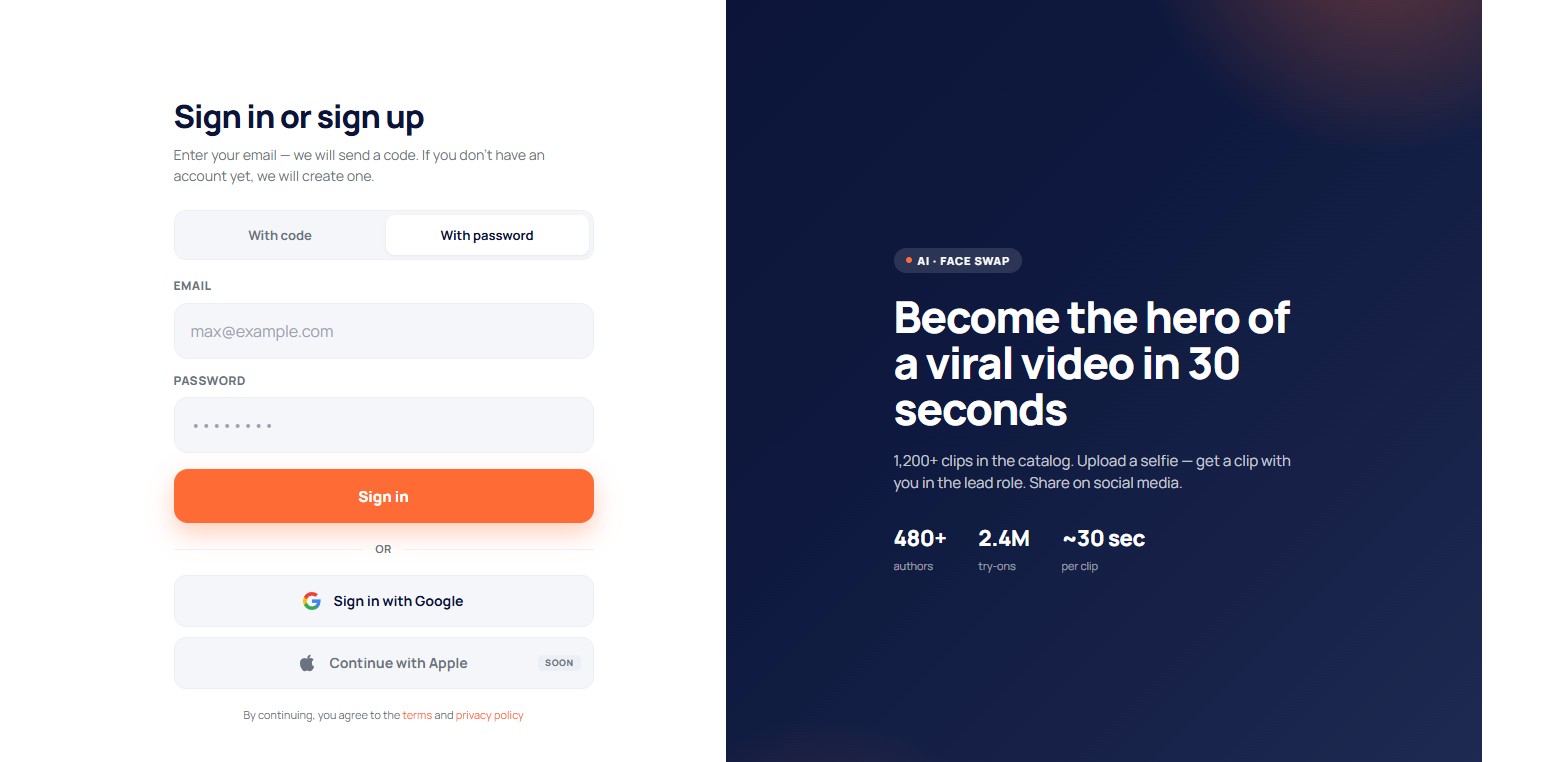
Sign in with Google
The "Sign in with Google" button is a one-click sign-in, without a password or code. Sign-in with Apple will come later.
If the code does not arrive
- If the code has not arrived within a minute, check your "Spam" folder. Yandex, mail.ru and other email providers sometimes filter out code emails.
- Wait a minute and click "Request new code".
- Make sure the email was entered without typos.
After a successful sign-in you return to the home page (or to the page where you started signing in).