Who can upload templates
Only Creators can upload template clips. If you are not a Creator yet — it takes a minute, see the article «How to become a Creator».
Clip requirements
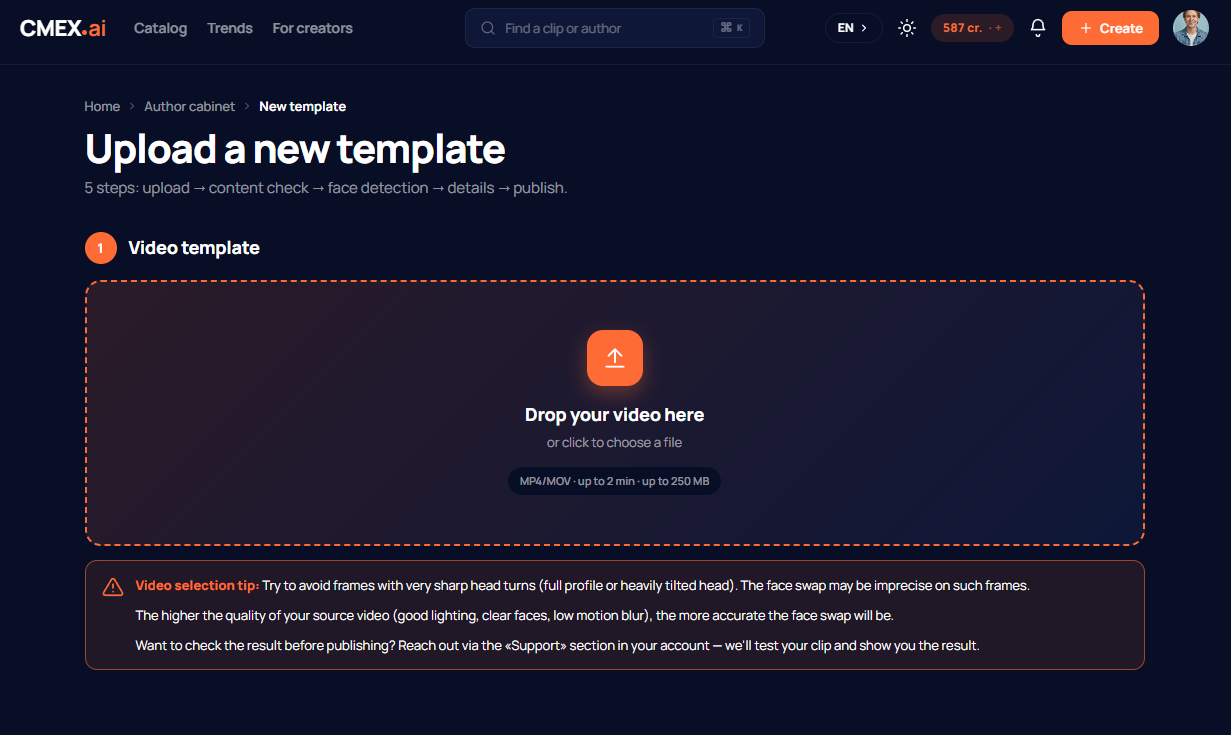
- Format: MP4.
- File size: up to 250 MB.
- Length: up to 2 minutes.
- Faces in the frame must be clearly visible — they are the ones users will replace.
How to upload a clip
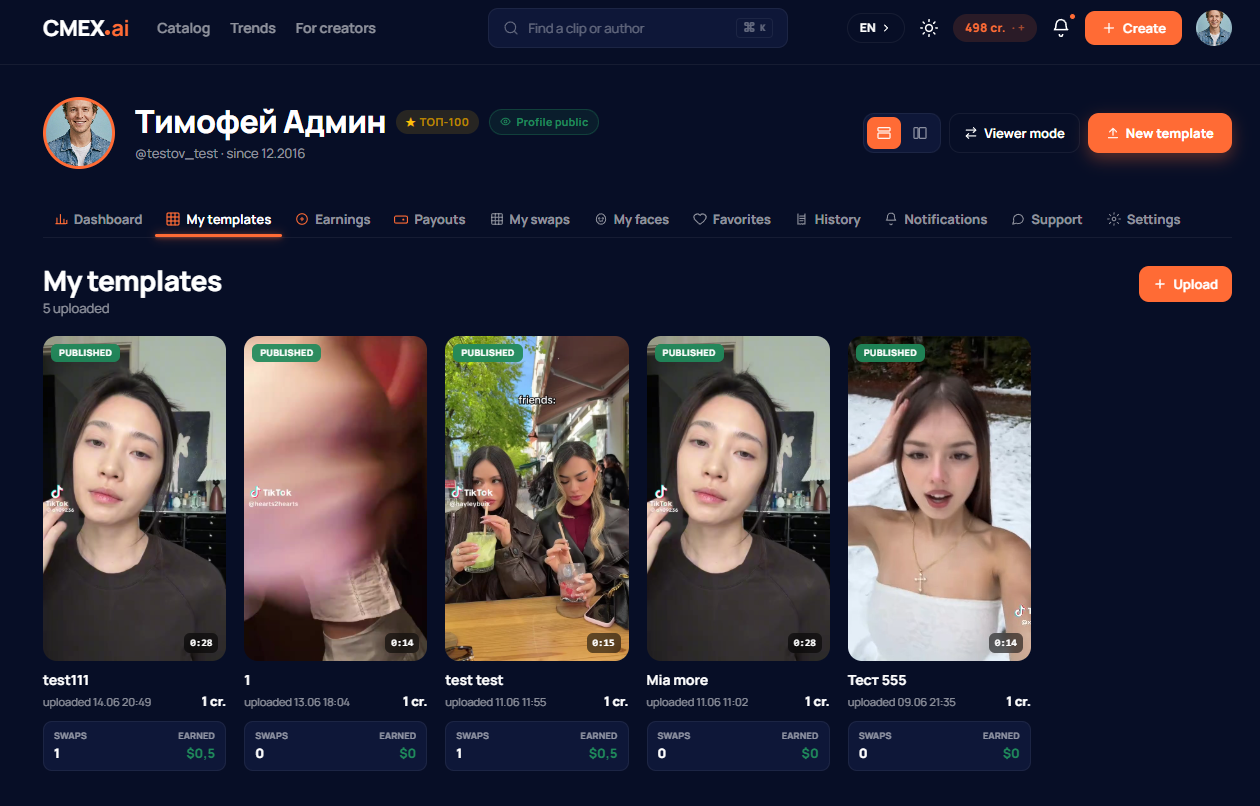
- In the Creator dashboard open template upload and choose a video file.
- The clip is saved as a draft and goes for review.
- After the review, fill in the details: title, description, category, price in credits, and tags.
- Publish the clip — after that it appears in the catalogue.
Moderation
Every uploaded clip goes through moderation before publication. First an automated check for prohibited content, then, if needed, a manual review by a moderator. In parallel, the service detects the faces in the clip so users can replace them.
Possible clip statuses: in moderation → processing → published, or rejected if the clip breaks the rules.
What you must not upload
- other people's videos and copyright-protected content without the rights to it;
- people's faces without their consent;
- 18+ content, scenes of violence, extremism, and other material that breaks the platform rules.
Clips that break the rules are rejected, and for serious violations a Creator's access may be blocked.
How much publishing costs
The first 3 publications are free. After that each publication costs 1 credit. Top Creators publish without limits.
The face-swap price
You set the price of your clip in credits when publishing (1 credit by default). For each face-swap of your clip you receive a reward — see the article «Payouts, commission and withdrawals» for details.