How a Creator earns
For each face-swap of your clip you receive a reward — 50% of its price. The more popular a clip and the more often it is used, the more you earn. The money builds up on your Creator balance in US dollars.
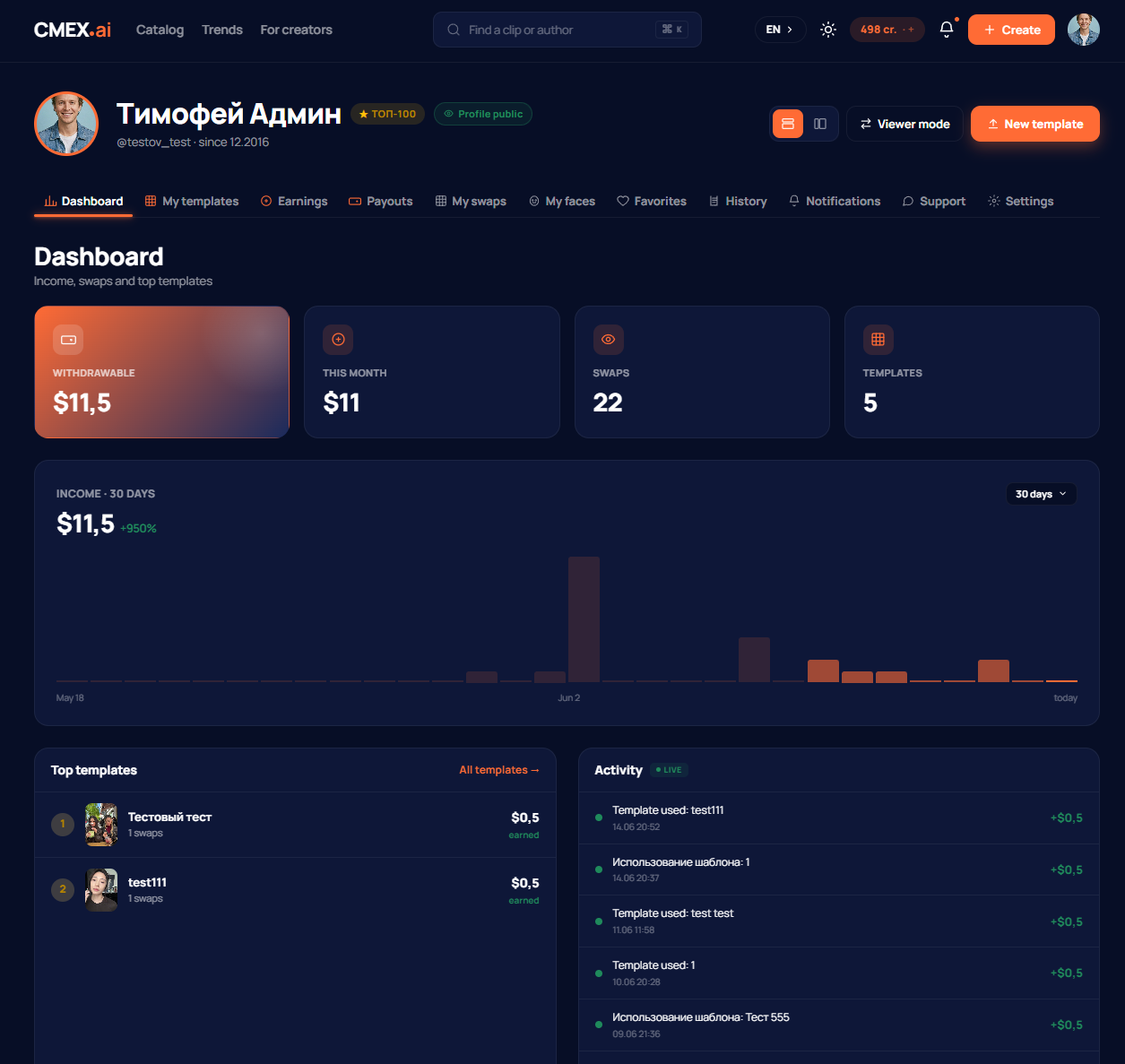
Where you can see your earnings
The Creator dashboard has a statistics section: current balance, earnings over a period, the number of face-swaps of your clips, and your top-earning templates. The history of earnings is there too.
Minimum withdrawal amount
You can withdraw your earnings once the balance reaches at least $50. While the amount is lower, the funds stay on the balance and keep growing with each new face-swap.
Withdrawal methods
You can withdraw money in several ways:
- bank card;
- Payoneer;
- Stripe
Withdrawal details are added in the Creator dashboard, in the payment methods section.

How to request a withdrawal
- Make sure the balance is at least $50.
- Open the withdrawal section in the Creator dashboard and enter the amount.
- Choose a withdrawal method and details.
- Submit the request. The amount is immediately reserved from the balance, and the request gets the processing status.
After review the request moves to the paid status. If something is wrong with the request, it may be rejected with a reason — in that case the amount is returned to the balance and you can submit a new request.
Convert earnings into credits
You do not have to withdraw earnings as money — you can convert them into credits at a 1:1 rate and spend them on the platform: swap onto other people's clips or publish your own beyond the free quota.
Still have questions about payouts
For questions about earnings and withdrawals, write to support at support@cmex.ai.